A new address can look like a new mailbox, but the two are not always the same thing. That distinction matters when you are planning a budget: an alias may provide another address for receiving or routing mail, while an additional mailbox is a separate account resource. Before estimating costs, identify what your team actually needs, confirm how the address is configured, and check the current plan terms. This guide explains the difference and gives you a practical way to verify the details without relying on assumptions or an old price estimate.
The useful bits
- An alias is not automatically a separate mailbox or login.
- Budget using the number of actual mailboxes your setup requires.
- Confirm configuration and current terms in the account and pricing flow.
Start with what the address must do
An alias is another email address associated with a mailbox; it does not automatically create an independent mailbox or login. Depending on the account’s configuration, mail sent to an alias may be handled through an existing mailbox. A separate mailbox is the choice to investigate when someone needs their own mailbox account rather than another address connected to an existing one.
Write down the practical requirement before looking at plan costs. Does one person simply need mail addressed to a different name, or does another person need a separate account? Will the address need to be administered as its own mailbox? These are different needs, and an address alone does not tell you which setup is in place.
Build the estimate around mailbox count
For a budget worksheet, list each distinct mailbox you expect to need, then note any additional addresses that may be aliases. Do not count every address as a mailbox unless the account confirms that it is provisioned as one. If the distinction is unclear, leave the estimate provisional rather than treating an alias as a confirmed extra mailbox.
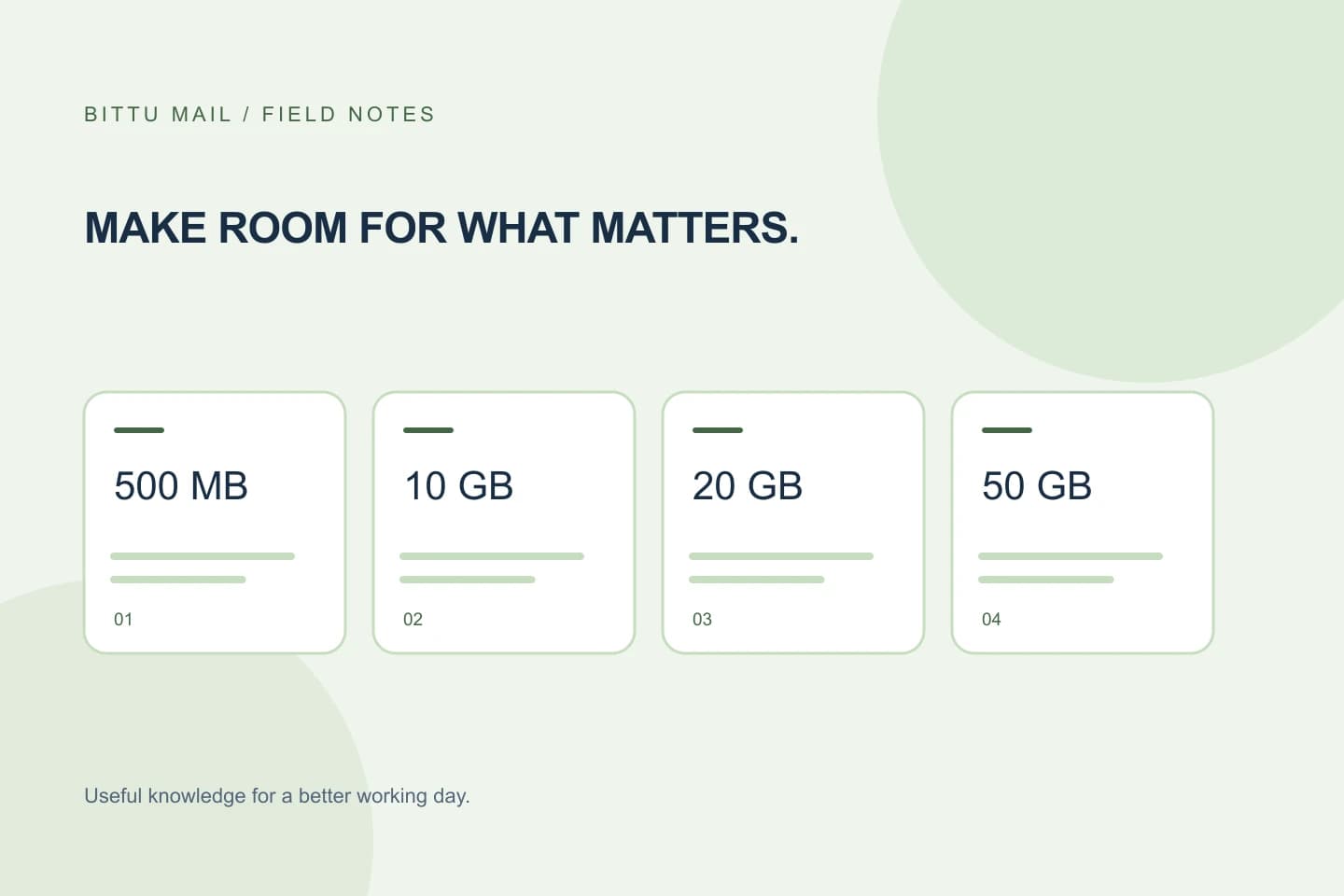
Storage is also described per mailbox on business plans. Business Starter, Standard and Premium provide 10, 20 and 50 GB per mailbox, respectively. Free personal @bittumail.tech mailboxes start with 500 MB. These storage facts can help you compare needs, but they do not establish your account’s current configuration, availability or total charge.
Planning note:
Mailbox needed for Jordan: one separate mailbox
Additional address for general enquiries: configuration not yet confirmed
Budget assumption: count the general address as an alias only after checking the account
Confirm the account’s actual setup
Check the account or workspace administration available to you and establish whether the address is configured as a mailbox or an alias. Workspace mailbox and domain administration depends on role, plan and provisioning state, so controls may not be available to every user. If you are not authorised to administer the workspace, ask an authorised workspace administrator to confirm the configuration.
Do not infer that a separate login exists because an address receives mail, appears in a list, or is used as a sender identity. Confirm the mailbox itself and the relevant access arrangements. Admin permissions and quotas are enforced server-side; a visible control or an expected setup should not be treated as proof that provisioning is complete.
Use live terms, not a remembered price
Once you know whether you need another mailbox, check current plan details at bittumail.tech/pricing or in authenticated checkout. Live prices, upfront term total, taxes, availability and renewal terms must be confirmed there. Do not calculate a current commitment from an old quote, an assumed monthly amount or the storage allowance alone.
A 30-day Starter trial is limited to one trial claim per eligible domain, and eligibility and availability are checked by the server. Do not include a trial in a budget as though it were guaranteed. Likewise, a one-time checkout does not by itself imply an automatic charge or mandate. Read the live checkout terms and record the applicable amount, term, taxes and renewal information before approval.
A quick check before approval
Use this short checklist to turn an uncertain address count into a defensible estimate:
- Name the person or function that needs the address and state whether it requires a separate mailbox or only another address.
- Ask an authorised workspace administrator to confirm whether the address is currently provisioned as a mailbox or alias.
- Count confirmed mailboxes separately from aliases; mark unresolved addresses as pending confirmation.
- Check the live plan and checkout terms for price, upfront total, taxes, availability and renewal terms.
- Save the confirmed setup and terms alongside the estimate so the assumptions can be reviewed later.
Verify the result before relying on the budget
After the configuration is confirmed or changed by an authorised administrator, check the account’s available administration details again and make sure the address is identified as the intended type. If you need a separate mailbox, confirm that the mailbox has actually been provisioned rather than assuming that adding an address completed the work. If the account view does not make the distinction clear, ask the administrator or use the authenticated account support route before finalising the estimate.
Your budget is ready when the required mailbox count matches the confirmed configuration and the financial terms come from the live pricing or checkout flow. Keep aliases visible in your notes, but do not count them as independent mailboxes unless the account confirms they are. That simple separation helps prevent both an inflated mailbox estimate and an under-specified account plan.
About this guide
Prepared with AI assistance for the BITTU Mail editorial library. Check important details against your original messages and current account settings. Product access depends on your role, plan and provisioning state. Provider interfaces and requirements can change.
View current plans · Security information · Suggest a correction