Professional email, managed by your team.
Create staff mailboxes on your verified company domain. Authorized owners and administrators manage mailbox access, storage limits, aliases and forwarding according to your plan and purchased seats.
BUSINESS EMAIL / TEAM WORKSPACE
Bring your company email, team conversations, tasks and calendar into one place. Your BITTU Mail business workspace keeps people and responsibilities connected to your own domain.
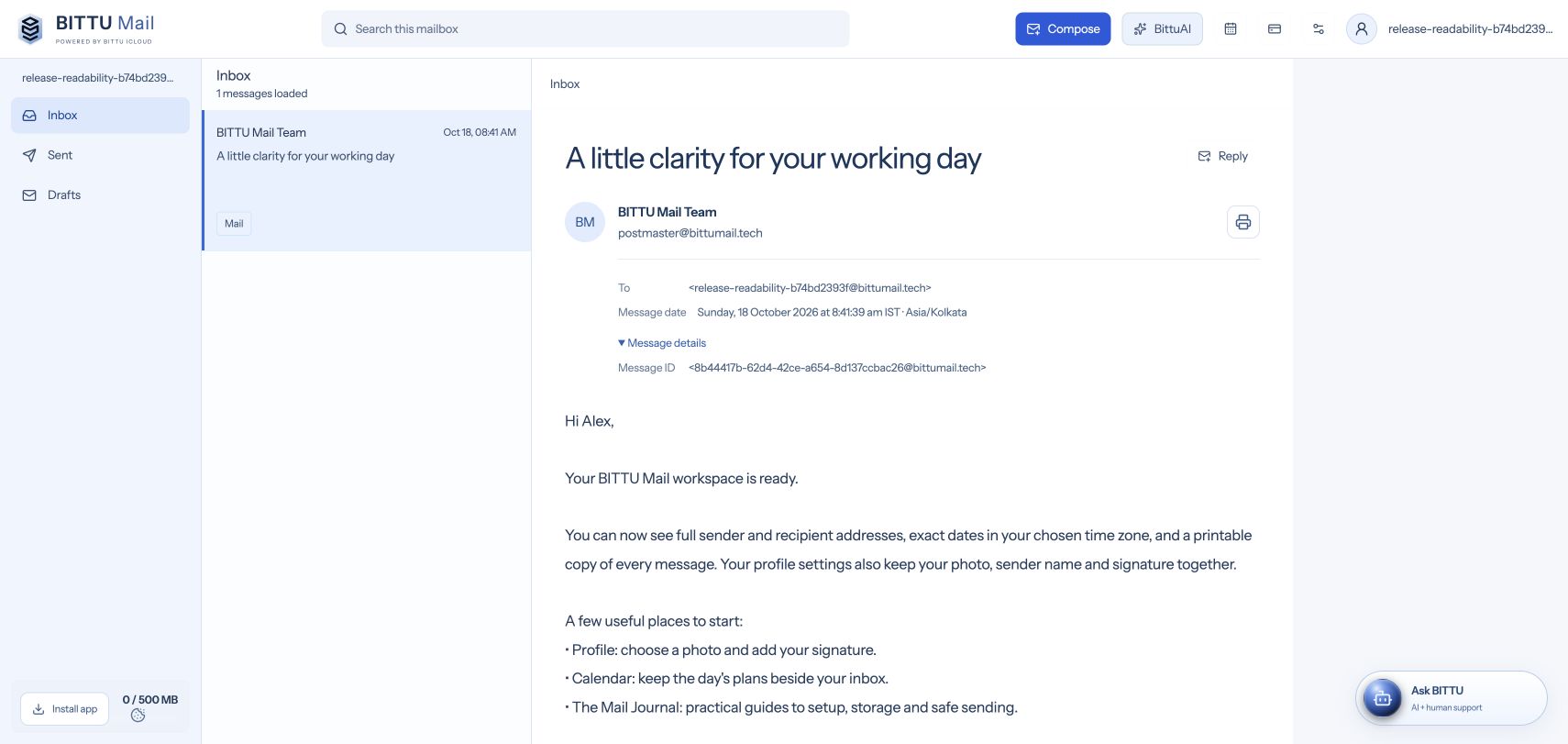 MAIL / PEOPLE / SHARED WORK
Mail. Calendar. Account control.
A familiar place to return to.
Create staff mailboxes on your verified company domain. Authorized owners and administrators manage mailbox access, storage limits, aliases and forwarding according to your plan and purchased seats.
Use workspace team channels and direct messages, then create a task from a conversation when there is something to follow up. Shared task boards show ownership, priority and progress; the team calendar keeps events and times visible.
Workspace administrators control supported team permissions. Domain records and diagnostics remain limited to authorized company administrators and the BITTU ICLOUD team. Staff access depends on their role, mailbox and active workspace configuration.
Choose a business email plan, create your account and connect a domain you control. The private Domain Center explains the records to add at your DNS provider and checks the connection. Once your domain and mailboxes are active, invite the people who need access.
Compare Starter, Standard and Premium email plans before buying. Storage allowances apply per mailbox, and charges depend on the selected term and number of seats. Check current pricing and plan limits rather than assuming every tool or AI allowance is unlimited.
Enable two-factor authentication, keep recovery details verified and review who has administrative access. HTTPS protects the web connection. Standard BITTU Mail messages are not end-to-end encrypted; read the security and privacy information before sharing confidential content.
YOUR NEXT STEP