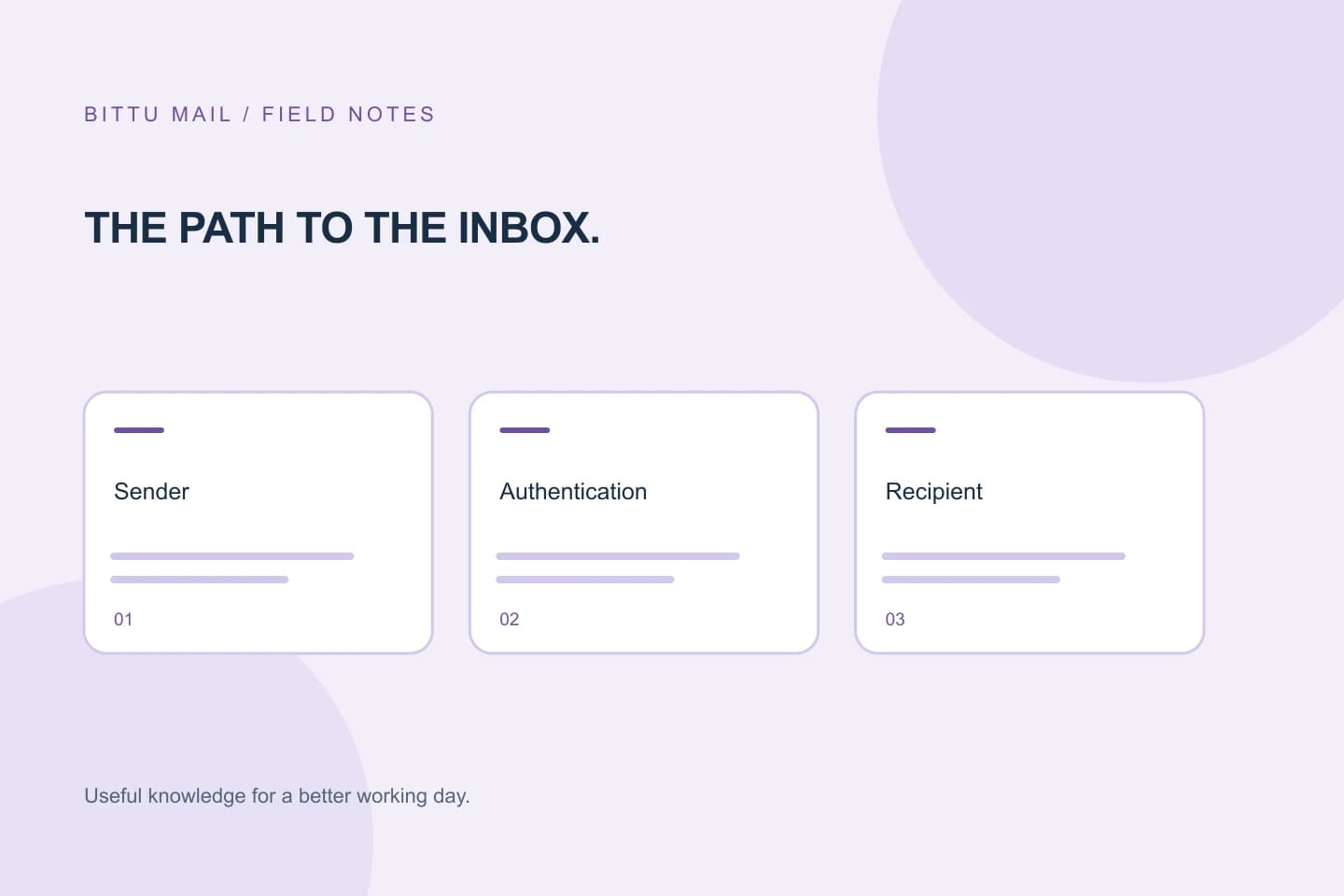
A message can pass a DMARC check and still fail to reach the recipient’s inbox. That is not a contradiction: DMARC evaluates specific authentication signals and their relationship to the visible From address; it does not certify the entire journey of a message. Understanding that boundary helps you read authentication results without treating them as delivery receipts. If you administer the sending domain, investigate patterns using information from your own domain and sending setup rather than guessing at a fix from one message.
The useful bits
- DMARC alignment connects an authenticated sending domain to the domain shown in From.
- A DMARC pass is an authentication result, not proof of acceptance or inbox placement.
- Forwarding and recipient policies can change what happens after or during authentication.
What alignment connects
The From address is the address a recipient usually sees as the sender. DMARC checks whether a message passes SPF or DKIM in a way that aligns with the domain in that visible address. SPF and DKIM authenticate different parts of sending: SPF evaluates whether a sending server is authorised for a domain, while DKIM uses a signature associated with a domain. DMARC relates a passing check to the From domain.
Alignment does not mean every address in a message must be identical. Domain alignment can be relaxed or strict, depending on the domain’s DMARC configuration. In relaxed mode, related domains can align; strict mode requires an exact domain match for the relevant check. A DMARC pass generally means at least one of SPF or DKIM both passed and aligned. The other mechanism may fail or may not align.
A pass is one checkpoint, not a receipt
A DMARC result answers a limited question about authentication and alignment. It does not show that a recipient’s mail system accepted the message, that the message was placed in the inbox, or that a person read it. A receiving system may accept a message and then route it to spam, quarantine it, or handle it another way.
Recipient systems make their own decisions and can apply different policies. Authentication is one input among other considerations, and the exact handling can differ between providers or even between messages. So a pass is useful evidence about authentication, but it is not a universal delivery verdict. Likewise, a failure does not, on its own, identify a single cause or tell you which change to make.
Why forwarding can change the result
Forwarding can alter the conditions under which authentication is evaluated. A forwarded message may arrive from a server that SPF does not authorise for the original sender’s domain, so SPF can fail. DKIM may continue to pass if the signed content remains intact, but changes made along the way can affect the signature. These outcomes depend on the forwarding path and message handling; they cannot be inferred from the fact that a message was forwarded alone.
For that reason, an authentication result observed at one recipient is not necessarily a complete picture of how the same message behaved elsewhere. Compare evidence from the relevant recipient and sending path before drawing conclusions.
Read one result in context
Suppose a message shows From as sender@example.com and its DMARC result is pass. That tells you an SPF or DKIM check passed with a domain aligned to example.com under the applicable alignment setting. It does not tell you whether the recipient accepted the message or where it was placed. A separate recipient may apply a different policy, and forwarding can affect the authentication evidence it sees.
Authentication details in a message’s headers can help explain the result recorded by a particular system. Treat those details as evidence for that message and receiving path, not as proof of delivery everywhere. If the message did not arrive, distinguish what you know—such as a displayed authentication result—from what remains unknown, such as acceptance or final placement.
From: sender@example.com
Recipient: [recipient@example.com]
Observed DMARC result: pass
What this establishes: an aligned authentication check passed for this observation.
What it does not establish: acceptance, inbox placement, or that another recipient handled it the same way.
A focused investigation for domain admins
If you are authorised to administer the sending domain, investigate your own domain and the message path involved. Start by identifying the exact From domain, sender, recipient, approximate sending time, and whether the message was forwarded. Compare the authentication details available for the affected message with other relevant messages. Look for a repeatable pattern before changing domain settings; one message can reflect a particular route or recipient decision rather than a domain-wide problem.
BITTU Mail does not offer public DNS diagnostics. Authorised workspace or domain administrators should inspect only domains they administer, using the domain and mailbox administration available to them in /workspace when their role, plan, and provisioning state allow it. Do not infer a DNS change or other fix from a single DMARC result. If you cannot administer the domain, give its authorised administrator the specific message context rather than changing settings yourself.
- Record the visible From domain, recipient, sending path, and whether forwarding occurred.
- Separate the authentication result from evidence of acceptance or placement.
- Compare relevant messages and investigate only domains you are authorised to manage.
Confirm what changed—and what did not
After an authorised administrator makes a change, confirm the result with a later message sent through the relevant, intended path. Review the authentication evidence available for that message and compare it with the earlier observation. If the question is whether a recipient accepted or placed the message, seek evidence about that stage from the relevant sending or receiving system; a DMARC pass alone cannot supply it.
Keep the conclusion narrow: you can confirm that an observed authentication result changed, or that it stayed the same. Do not turn that into a promise that every provider will accept the message or put it in an inbox. Authentication and delivery are related, but they are separate questions.
About this guide
Prepared with AI assistance for the BITTU Mail editorial library. Check important details against your original messages and current account settings. Product access depends on your role, plan and provisioning state. Provider interfaces and requirements can change.
View current plans · Security information · Suggest a correction