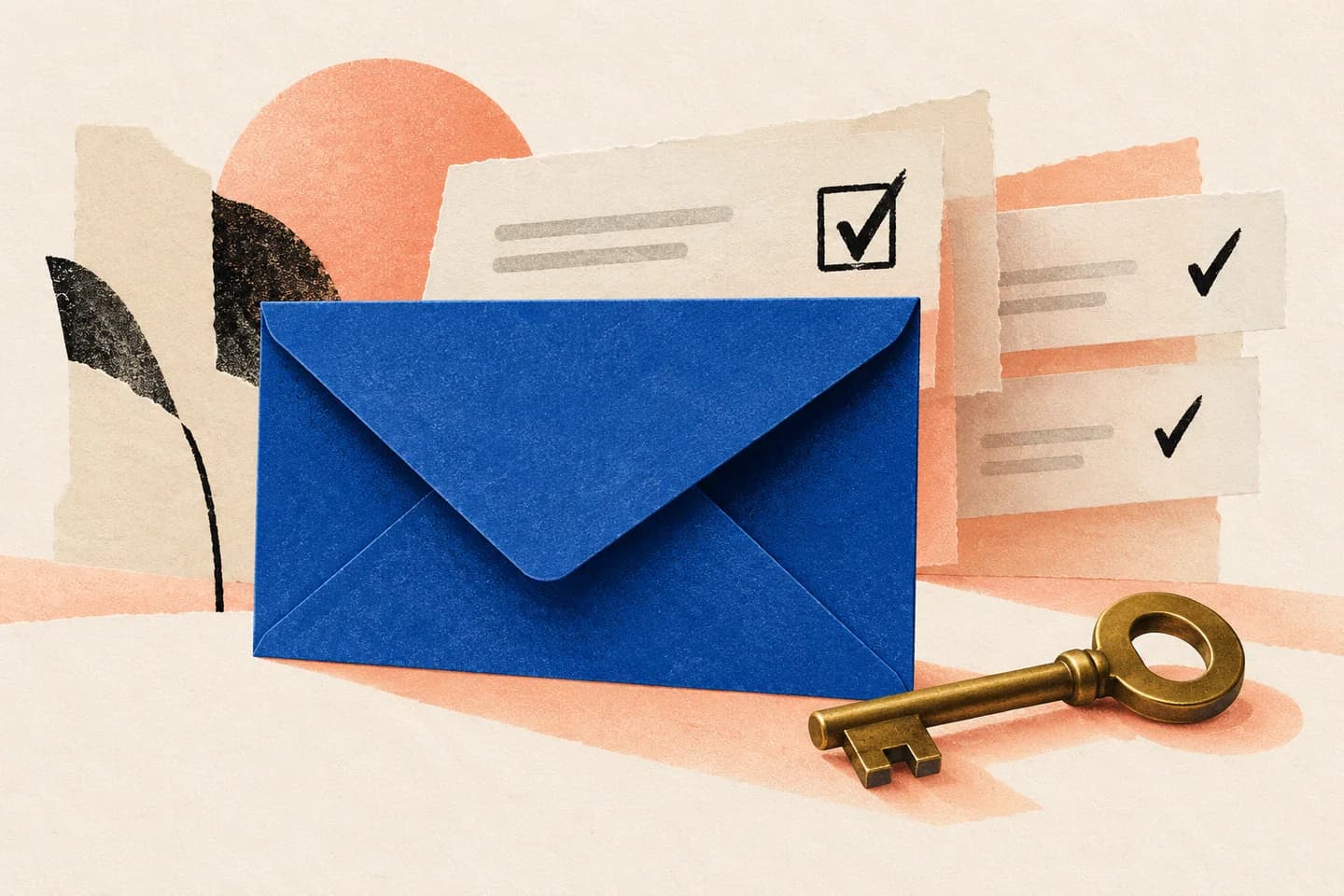
An email arrives with your manager’s name, a supplier’s familiar label, or a service you use every day. It may look ordinary at a glance, but the displayed name is text the sender can choose—it does not, by itself, confirm who sent the message. Before replying, opening an attachment, or acting on a request, take a moment to inspect the address and consider whether the message fits what you expected. A few careful checks can help you avoid handing over account details or sensitive information to someone pretending to be familiar.
The useful bits
- Treat the displayed name as a clue, not proof of identity.
- Expand the sender details and compare the complete address with one you already trust.
- Confirm unusual requests through a separate, previously known channel before acting.
A name is easy to imitate
The name shown beside an email can be set to resemble a person, team, or organization. That means “Jordan Lee” or “Account Support” in the sender line is not enough to establish that the message came from the real Jordan or support team. A familiar logo or writing style is not conclusive either.
The important distinction is between the display name and the sender address. Mail apps may show the name prominently and hide some or all of the address until you open the message details. Even a plausible-looking address deserves attention when a request is unexpected. A familiar name should prompt a closer look, not automatic trust.
Inspect the complete sender address
Open the sender details and read the full address, including everything after the @ sign. Compare it with an address you have used before or can confirm from a trusted record. Look carefully for small changes: an added word, a different domain ending, a substituted character, or an address that belongs to a free-mail service rather than the organization’s usual domain.
Do not rely on the first part of the address alone. Two addresses can have similar names but belong to different domains. If you are unsure what address a person or company normally uses, do not guess based on the message. Find a previous legitimate conversation or use a contact method you already know is theirs.
Treat urgency as a reason to pause
Impersonation messages often try to make a quick response feel necessary: a payment must be changed, a document needs immediate review, or an account will be restricted unless you act. Urgency does not prove a message is fraudulent, but it is a good reason to slow down, especially when the sender asks for credentials, a one-time code, personal details, confidential files, or a financial change.
Do not reply with sensitive information just because the message appears to come from someone familiar. Avoid using contact details or reply instructions supplied only in the questionable message. A request to keep a change secret or bypass an ordinary process is another reason to verify independently.
Verify through a separate known channel
Contact the person or organization using a method you already trust, such as a saved phone number, an established workplace chat, or an address from a previous verified exchange. Start a new conversation rather than relying on the questionable message’s reply address. Ask whether they sent the message and whether the specific request is genuine.
For example, if a supplier emails new bank details, call the supplier using the number already on file—not a number in the email—and confirm the change before making a payment. If a colleague asks for a password or code, contact them through your usual work channel and do not send the secret. Verification is useful only when the second channel is independent of the message you are checking.
A quick check before you act
Use this short checklist when a message uses a familiar name but asks you to do something important:
- Open the sender details and inspect the complete address and domain.
- Ask whether the request is expected, specific, and consistent with the normal process.
- Do not provide a password, one-time code, or sensitive information in response.
- Confirm unusual changes or urgent requests through a separate, known channel.
- If you cannot verify the sender, pause and follow your organization’s established reporting process.
Message display name: [Familiar Colleague]
Visible sender address: [colleague name]@[lookalike-domain].example.com
Request: Send [sensitive file] before [deadline]
Safer next step: Contact [colleague] through the established work channel and confirm the request before sending anything.
What confirmation looks like
You have made a useful check when the person confirms the exact request through a channel you already trust, and the details match what you were asked to do. Confirmation should cover the important specifics: what information is needed, who should receive it, and whether any account, payment, or access change is intended. If the person denies sending the message, or cannot confirm the details, do not proceed.
If the message remains uncertain, leave it unanswered and avoid opening unexpected attachments or following its instructions. Use the reporting or escalation process available to you, if your organization has one. A familiar display name may help you recognize who a message claims to be from; only independent checks can help you decide whether to trust the request.
About this guide
Prepared with AI assistance for the BITTU Mail editorial library. Check important details against your original messages and current account settings. Product access depends on your role, plan and provisioning state. Provider interfaces and requirements can change.
View current plans · Security information · Suggest a correction