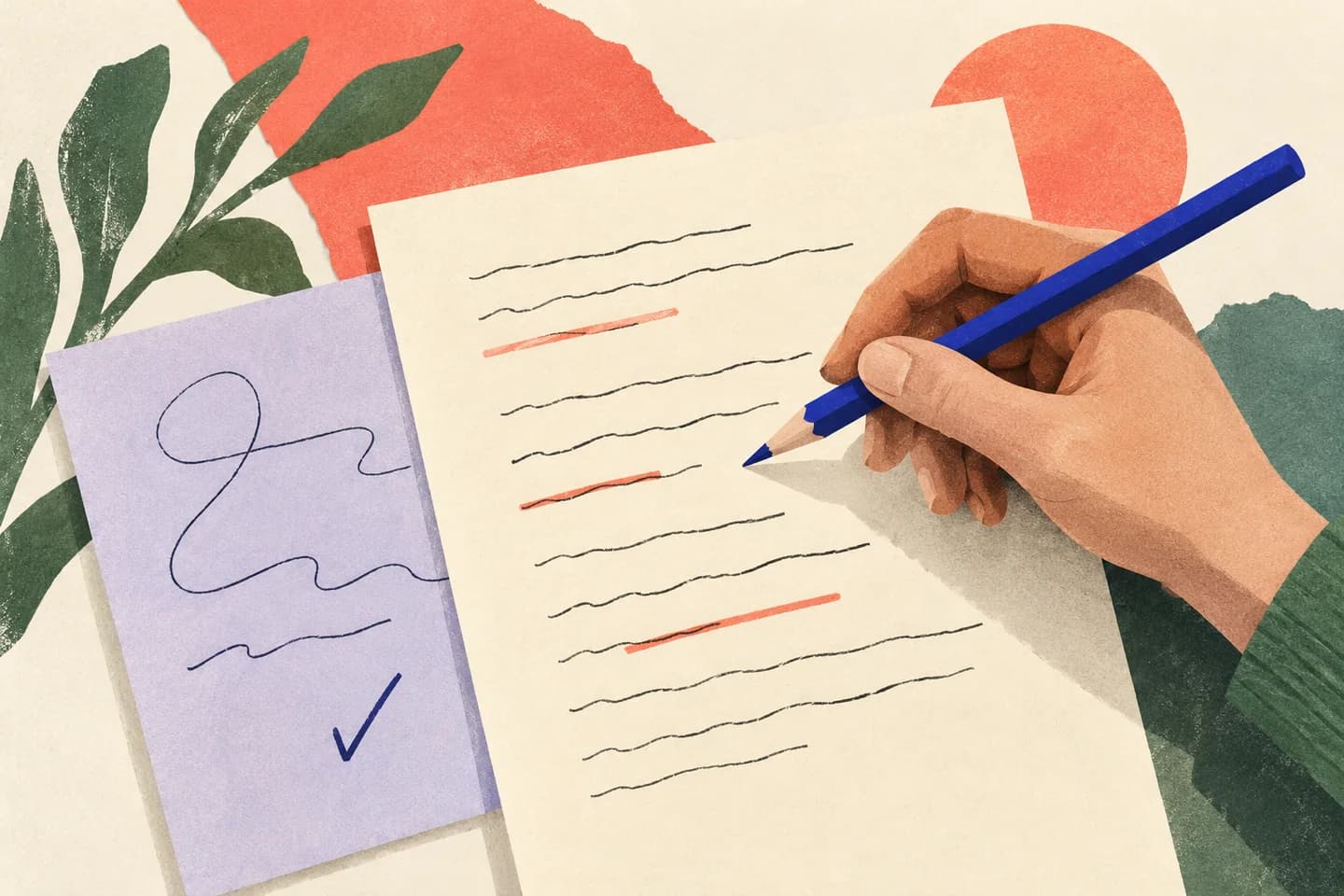
A shorter email is useful only if it still says the same thing. When an AI assistant condenses a message, a small edit can quietly remove a deadline, soften a condition or turn a possibility into a promise. Treat shortening as an editing task, not permission to rewrite the facts. First identify what must remain true, then ask for a concise revision, and finally compare it against your original. This process works for routine updates, requests and proposals—and gives you a clear way to catch changes before you send anything.
The useful bits
- Mark facts, conditions, deadlines and commitments before asking for a shorter draft.
- Tell the assistant to preserve meaning and flag any ambiguity instead of guessing.
- Compare the revision with the original, then restore any missing or changed detail.
Decide what cannot be cut
Before using AI, read your draft once for meaning rather than style. Note the details a recipient needs in order to act correctly: who is doing what, by when, under which conditions, and what happens next. Keep amounts, dates, names, exclusions, required steps and limits on any offer. A sentence such as “We can deliver Friday if approval arrives by noon Thursday” contains both a possible delivery date and a condition. Removing the condition changes the commitment.
Separate essential content from repetition. Greetings, duplicated context and long transitions may be shortened; a qualification that limits a promise usually should not be. If you are unsure whether a detail is essential, keep it in the draft and make the decision yourself after reviewing the revision.
Give the assistant a bounded task
Ask for a shorter version, not a more persuasive or more decisive one. Specify that facts, names, dates, amounts, conditions, exclusions and commitments must stay unchanged. Ask the assistant to flag unclear wording rather than fill gaps or infer missing details. You can also request a brief note identifying what it removed, but treat that note as a comparison aid—not proof that nothing important changed.
If you use AI assistance in BITTU Mail, availability depends on the plan and provisioning state. Whatever tool you use, review the original message and the returned draft yourself. Avoid including sensitive information that the task does not require, and never provide real passwords or one-time passcodes to an assistant.
Please shorten the email below while preserving every fact, date, amount, condition, exception, promise, and requested action. Do not add information or make a conditional statement sound certain. If anything is ambiguous, flag it instead of guessing. After the revision, list any detail you removed or changed.

[Paste your email here]
Check the revision against the original
Compare the two drafts in small units: sentence by sentence or point by point. Start with your essential-detail notes. For every item, confirm that the shorter draft still says it, says it accurately and attaches it to the right person or action. Then look for meaning shifts that are easy to miss: “may” becoming “will,” “by Friday” becoming “on Friday,” or “after approval” disappearing.
A polished tone can conceal an omission, so do not rely on whether the revision sounds reasonable. If your email has several conditions, compare each one separately. When a detail is absent or ambiguous, restore it in your own words and review the whole message again.
- Names and recipients: spelled correctly and connected to the right request.
- Dates, times and amounts: unchanged, including any deadlines or limits.
- Conditions and exceptions: still present and linked to the correct outcome.
- Commitments and next steps: no stronger promise or missing action.
A short example with a condition
Imagine your original says that a replacement can be sent after a faulty item is returned, and that it must arrive by a stated date for a particular event. A careless shortening might say only that a replacement will be sent by that date. That version drops the return condition and makes the timing sound certain. Before sending, check that the recipient can still see what they must do and what is—and is not—being promised.
Original:
We can send a replacement by [date] if you return the faulty item by [date]. Please reply with [details] so we can confirm the delivery schedule.

Possible shorter version:
If you return the faulty item by [date], we can send a replacement by [date]. Reply with [details] so we can confirm the delivery schedule.
Keep control of the final wording
Use the revision as a proposal. If it changes a fact, restore the original fact; if it drops a condition, put the condition back; if you cannot tell what a sentence means, rewrite it plainly or leave it out until you can confirm it. Do not let the assistant resolve uncertainty by inventing a date, recipient, reason or commitment. For financial information, promises and sensitive details, check the source material directly rather than relying on a generated summary.
Then read the complete email as if you were the recipient. Can they identify the requested action, any deadline, the conditions that apply and what will happen next? Make sure the subject and closing do not imply more certainty than the body. A shorter message is ready only when its essential meaning survives this final read.
Confirm the edit before sending
A practical final check is to put the original and revised versions side by side and tick off each item in your fact list. If every essential item is present and unchanged, and the recipient can understand the next step, the shortening has worked. If not, edit the draft and repeat the comparison. Keep the original available until you have finished; it is the reference for checking what the AI changed, not something to reconstruct from memory.
This method cannot guarantee that an assistant will preserve every nuance. It makes omissions and altered meaning easier for you to spot, but your review remains essential. Send only after you are comfortable that the final wording reflects what you actually intend to say.
About this guide
Prepared with AI assistance for the BITTU Mail editorial library. Check important details against your original messages and current account settings. Product access depends on your role, plan and provisioning state. Provider interfaces and requirements can change.
View current plans · Security information · Suggest a correction