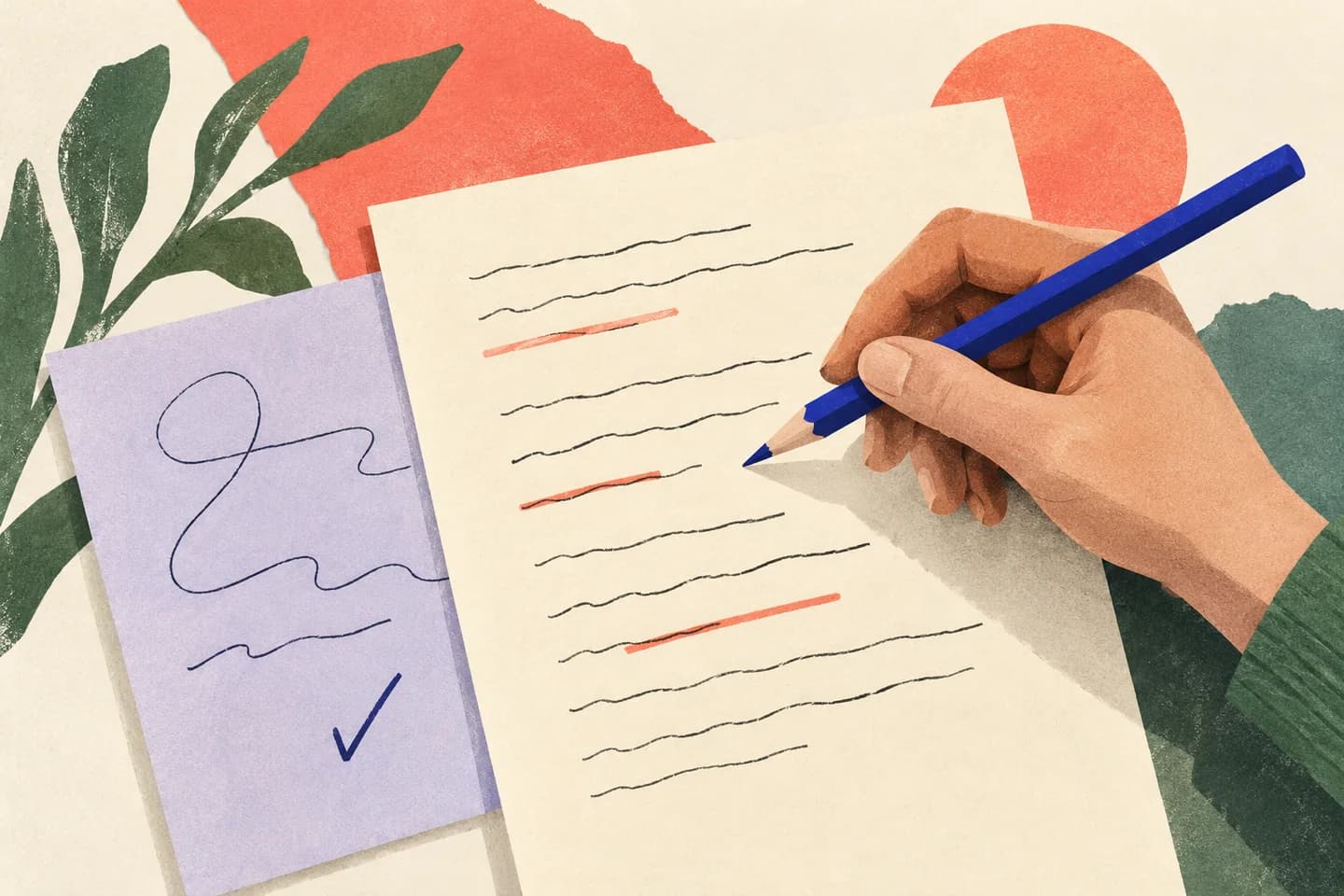
A draft can sound polished while quietly making claims the reader cannot verify: a date, a promised delivery time, a policy detail, or a statement about what someone agreed to. AI can help you spot those sentences before you send, but it cannot establish that they are true. Treat its output as a review list, not a fact-check or a substitute for your records. With a focused prompt and a simple verification pass, you can turn “this may need a source” into a clear, supported message—or remove the claim.
The useful bits
- Ask AI to flag factual claims and explain what evidence each would need.
- Verify flagged claims against original records, not the AI’s confidence.
- Remove or qualify claims you cannot support before sending.
Define what counts as a claim
For this task, a claim is a statement a recipient could reasonably ask you to prove. It may be a concrete detail (“the meeting is Thursday”), a report of an earlier conversation (“you approved the change”), a policy statement, a comparison, or a commitment about what will happen next. Opinions and requests do not usually need evidence in the same way, although they can contain factual claims too.
Ask for claims that are explicit or implied, not just sentences containing numbers. “We have already updated your account” needs support just as much as “the update will finish by [date].” A sentence may mix fact and opinion; the useful question is which part depends on information that could be checked.
Give the assistant a narrow review job
Paste in the draft and ask the AI to identify statements that need a source, record, or confirmation before sending. Tell it not to verify the statements, fill gaps, or rewrite them as facts. Request the exact wording, why it needs review, and what kind of evidence would be relevant. That format makes it easier to compare the output with your actual records.
If using plan-dependent AI assistance in BITTU Mail, availability can depend on the account’s plan and provisioning. Regardless of where you use an assistant, avoid including passwords, one-time codes, or unnecessary sensitive details. You can replace names and identifying information with placeholders while keeping the claim understandable.
Review this draft only for factual claims that may need supporting evidence before sending. Do not decide whether any claim is true, invent a source, or silently rewrite the draft. For each item, quote the claim, explain what makes it checkable, and suggest the kind of original record or confirmation I should consult. Mark uncertain items for human review.

Draft:
Hi [recipient name],
We received your approval on [date], and the revised file will be ready by [date]. The change reduces processing time for every account. Please reply if you want us to proceed.
[Sender name]
Read flags as questions, not verdicts
The assistant may overlook a claim, flag ordinary wording, or misunderstand the context. It might also suggest a plausible-looking source that does not exist. Its list is therefore a set of prompts for your review—not proof that a sentence is correct, incorrect, sourced, or unsourced.
A useful flag explains what needs checking. In the example, “We received your approval on [date]” calls for a message, approval record, or other reliable confirmation. “The revised file will be ready by [date]” needs a basis for that commitment. “The change reduces processing time for every account” is broad: you would need evidence covering that scope, or you should narrow the wording. The AI has not established any of these points.
Check the original evidence
For each flag, open the relevant original record yourself: the message thread, current document, approved policy, or confirmation from someone with direct knowledge. Check that it supports the exact wording, including names, dates, scope, and whether a statement was a firm promise or only an estimate. A record that supports a narrower claim does not support a broader one.
For email history, inspect the original conversation rather than relying on an AI summary. Confirm that the approval came from the right person and applies to the change in this draft. If you cannot locate a dependable source, ask the relevant person, remove the claim, or state the uncertainty plainly. Do not let polished wording turn an assumption into a fact.
Revise to match what you can support
Once you have checked the evidence, make the sentence no stronger than the record. If a date is tentative, say it is an estimate and identify what remains uncertain. If a broad statement only applies to a particular case, narrow its scope. If approval is still pending, ask for it rather than implying it has already happened.
You can ask AI for a second pass to find claims that remain unsupported in the revised draft, but repeat the same boundary: it should flag, not certify. Compare its new list with your first review and your evidence. A shorter, more precise email is preferable to keeping an impressive claim that you cannot substantiate.
Confirm the review is complete
Before sending, scan each sentence that reports an event, states a rule, gives a date or number, attributes a decision, or promises an outcome. For every one, ask: What original evidence supports this exact wording? Is the evidence current and relevant to this recipient? If the answer is unclear, revise or remove the statement.
The review has worked when each checkable claim is either supported by a source you have personally inspected, clearly qualified to reflect uncertainty, or taken out. The AI’s output alone does not meet that test. Keep the final draft consistent with the evidence, and check the recipient and other message details before sending.
- Claim flagged: identify the exact words, not just the topic.
- Evidence checked: confirm the original record supports the wording and scope.
- Draft resolved: support, qualify, ask, or remove—then reread the final message.
About this guide
Prepared with AI assistance for the BITTU Mail editorial library. Check important details against your original messages and current account settings. Product access depends on your role, plan and provisioning state. Provider interfaces and requirements can change.
View current plans · Security information · Suggest a correction