A subscription record is useful only if it separates what you know from what you still need to check. For BITTU Mail, that means noting the plan and its term dates without treating a checkout, trial, or past payment as proof of future renewal settings. Build one row per subscription or mailbox arrangement, keep confirmation evidence alongside it, and mark unanswered renewal questions plainly. This makes the inventory useful for budgeting and follow-up without turning assumptions into facts.
The useful bits
- Record the plan, account or workspace scope, and start and end dates.
- Label renewal details unknown until you verify them in pricing or authenticated checkout.
- Save a confirmation reference and assign a person and date for follow-up.
Start with a record that separates facts
Use a spreadsheet or another record your organisation can maintain. Give each row a clear identifier, such as the workspace or mailbox label, and say whether it covers one mailbox or a wider arrangement. Do not treat an alias as a separate mailbox or login: an alias is not automatically an independent mailbox.
Useful fields include plan name, mailbox scope, storage allowance if relevant, term start date, term end date, date checked, confirmation status, and the source used to confirm each detail. Leave a field blank only when it genuinely does not apply; otherwise use a clear status such as “unknown” or “not checked.”
Record the plan and scope accurately
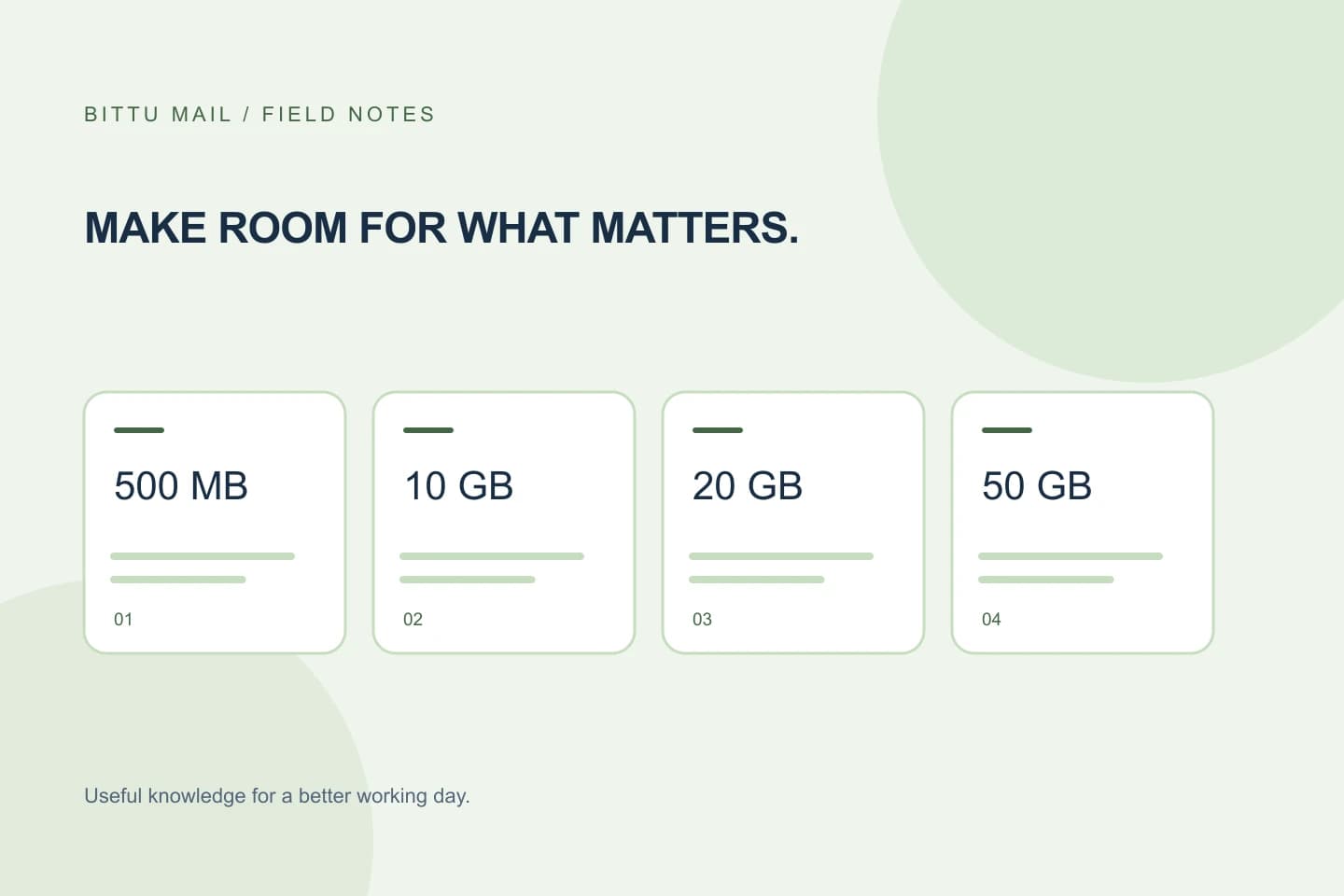
For a business subscription, record whether the plan is Starter, Standard, or Premium and how many mailboxes the record covers. The published storage allowances are 10 GB per mailbox for Starter, 20 GB for Standard, and 50 GB for Premium. For a free personal @bittumail.tech mailbox, the starting storage is 500 MB. These figures describe storage, not the subscription term or renewal arrangement.
If an account has several mailboxes or more than one plan, avoid compressing them into a vague entry such as “business email.” Use separate rows when plan, term, or confirmation differs. Controls and account details can depend on role, plan, and provisioning state, so ask an authorised workspace or domain administrator to verify workspace details when your role does not provide access.
Use dates only when you can support them
Enter term dates from a current confirmation or authenticated checkout record, not from the date someone first began using the mailbox. Keep the date format consistent, and record whether a date is a start date, end date, or simply the date you checked the information. If the record shows only part of a term, enter that part and leave the rest unconfirmed rather than calculating a date from an assumption.
For trial arrangements, record that the subscription is a trial and note the available confirmation details. A 30-day Starter trial is limited to one trial claim per eligible domain, with availability and eligibility checked server-side. Do not infer that a trial is available, eligible, or followed by a paid plan from an old note or a different domain’s experience.
Treat renewal as a question to verify
Add separate fields for renewal status and renewal evidence. Until you have checked, write “unknown—check required,” not “renews,” “does not renew,” or “automatic.” A one-time checkout does not imply an automatic charge or mandate. Likewise, a term end date alone does not establish what happens afterward.
Check current pricing information at /pricing or review the authenticated checkout details at the time of purchase. Live prices, upfront term total, taxes, availability, and renewal terms must be checked there; do not copy an old figure or assume that another plan, account, or purchase has the same terms. If renewal information is not clear in the details available to you, keep it marked unknown and ask through the appropriate account or purchase channel before making a decision.
Keep confirmation status specific
A useful status says what is confirmed, by whom, and when. For example, “plan confirmed from current checkout, checked on [date]” is more informative than “confirmed.” Track plan, dates, and renewal independently: the plan may be confirmed while the end date or renewal terms remain unknown.
Keep a short reference to the evidence, such as the confirmation label or where the authorised account holder can find it. Avoid putting passwords, one-time codes, or unnecessary payment details in the inventory. Account sign-in, registration, recovery, and account actions go through mail.bittuicloud.com; use the relevant authenticated account access rather than relying on an unauthenticated note as proof.
Example row and a quick verification pass
A realistic entry can show uncertainty without making the record look unfinished. Use bracketed placeholders until an authorised person checks the account; do not fill gaps by guessing. If the details span separate subscriptions, make separate entries.
- Compare each plan and term entry with current pricing or authenticated checkout details.
- Check that every unknown date or renewal detail has a follow-up owner.
- After checking, update only the fields the evidence supports and record the check date.
Record: [workspace or mailbox label]
Plan: [Starter / Standard / Premium / free personal]
Scope: [mailboxes covered]
Term start: [date or unknown]
Term end: [date or unknown]
Renewal status: unknown—check required
Plan confirmation: [confirmed / pending / not checked]
Date checked and source: [date; current pricing or authenticated checkout]
Follow-up owner and due date: [person; date]
Confirm the inventory is working
The inventory is ready to use when another authorised person can tell what each row covers, which details are confirmed, and what still needs checking. Review it when a plan or term changes and before relying on it for budgeting or renewal planning. If a key detail cannot be verified, preserve that uncertainty in the record instead of converting it into a prediction. That small discipline keeps the inventory dependable even when account access or purchase information is incomplete.
About this guide
Prepared with AI assistance for the BITTU Mail editorial library. Check important details against your original messages and current account settings. Product access depends on your role, plan and provisioning state. Provider interfaces and requirements can change.
View current plans · Security information · Suggest a correction