A 30-day Starter trial can look like a straightforward way to test a business mailbox plan, but it is not available for every domain or every claim. BITTU Mail limits the offer to one trial claim per eligible domain, and the system checks availability and eligibility on the server. That means an old assumption, a colleague’s experience or a preliminary estimate is not confirmation for your domain. Verify the offer before building a budget or timeline around it, and make sure you understand the live checkout terms before proceeding.
The useful bits
- Treat the trial as conditional until the server confirms eligibility for your domain.
- Check current availability and terms at /pricing or in authenticated checkout.
- Do not assume a previous claim can be repeated or that checkout implies an automatic charge.
Why the domain matters
The trial limit applies to the domain, not simply to the person making the request or the mailbox being created. A domain that has already used its one eligible claim should not be budgeted as though it can claim another. Likewise, having a new mailbox address does not establish that the domain qualifies.
Eligibility and availability are checked server-side. The public facts do not define every condition that may affect a particular domain, so do not try to infer the outcome from its age, ownership history, or the number of mailboxes you plan to create. Use the current check presented by BITTU Mail instead.
Check before committing the budget
Start at the public pricing page, /pricing, and look for the current Starter trial offer and its availability. If the next step requires an account, sign-in, registration, recovery and account actions go through mail.bittuicloud.com. Follow the authenticated checkout flow to see what is offered for your domain.
Use the result shown for your own domain as the basis for planning. A trial described elsewhere, an earlier screenshot, or a price remembered from a previous visit may not reflect current availability or terms. If the offer is not presented or the server indicates that the domain is ineligible, plan without the trial rather than treating it as pending approval.
Separate the trial from the ongoing plan cost
A trial period does not tell you what the plan will cost after it, or whether the plan suits your mailbox needs. Check the live price, upfront term total, taxes, availability and renewal terms at /pricing or in authenticated checkout before deciding. Numeric prices should come from that current flow, not from a saved estimate in an article or spreadsheet.
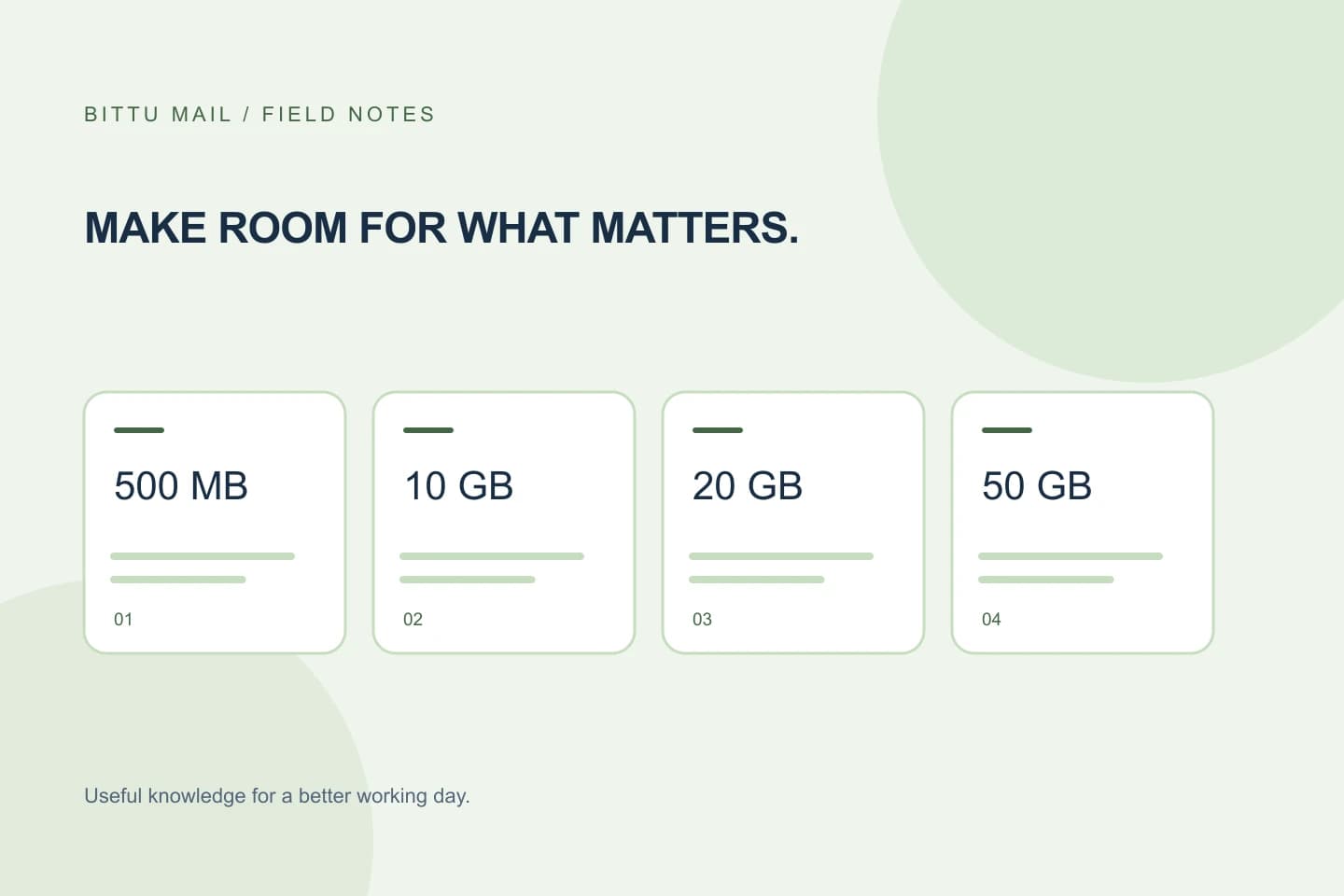
For storage context, Business Starter includes 10 GB per mailbox; Standard and Premium include 20 GB and 50 GB per mailbox. Free personal @bittumail.tech mailboxes start with 500 MB. Storage is only one part of the decision: consider how many individual mailboxes you need and whether the displayed plan and terms fit your use.
A practical pre-check
Before discussing the trial as part of a purchase plan, capture the domain you intend to use, the result of the current eligibility check, and the checkout terms displayed at that time. Keep the notes factual; do not mark the trial as approved just because the offer is mentioned on a general page.
- Confirm the exact domain being checked.
- Record whether the server presents the 30-day Starter trial as available for that domain.
- Review the current plan price, upfront term total, taxes and renewal terms.
- If the domain is not eligible or availability is unclear, budget using the current paid-plan terms instead.
Planning note:
Domain: [your-domain.example]
Trial shown for this domain: [yes / no / unclear]
Checkout terms reviewed: [date or not yet]
Budget assumption: [trial confirmed / plan without trial]
What a successful check confirms
You have confirmed the trial is usable for planning only when the server’s current flow identifies the domain as eligible and presents the offer for that domain. Save the result and the checkout details for the people making the decision. If the page does not make the status clear, do not interpret silence or a general offer description as approval; seek clarification through the available account or checkout process.
Eligibility can be checked again when you proceed, and availability may differ from an earlier visit. For that reason, recheck before placing the order rather than relying solely on a note from an earlier planning meeting.
Keep checkout assumptions narrow
A one-time checkout does not imply an automatic charge or mandate. At the same time, do not assume that the trial guarantees a particular renewal arrangement or future price. Read the current checkout terms and make the decision based on what they actually state. If the offer is unavailable, the paid plan’s live terms are the relevant basis for budgeting.
The practical rule is simple: verify the domain, verify the server’s current trial decision, and verify the checkout terms. That gives you a clear basis for planning without turning a conditional offer into a promised saving.
About this guide
Prepared with AI assistance for the BITTU Mail editorial library. Check important details against your original messages and current account settings. Product access depends on your role, plan and provisioning state. Provider interfaces and requirements can change.
View current plans · Security information · Suggest a correction