A plan’s advertised price is only one part of what you may pay. The amount can depend on the selected term, taxes, availability, and renewal terms shown when you are ready to subscribe. Those details can change, so an older screenshot or a remembered figure is not a reliable basis for comparison. Check the current information at /pricing, then confirm the relevant terms in authenticated checkout before deciding. This guide shows what to compare, how to keep the figures straight, and what to verify when the displayed total differs from your initial estimate.
The useful bits
- Use the current /pricing and authenticated checkout displays, not saved or quoted prices.
- Compare the upfront term total and taxes as well as the displayed plan price.
- Confirm availability and renewal terms before treating a plan as suitable.
Start with the same plan and mailbox needs
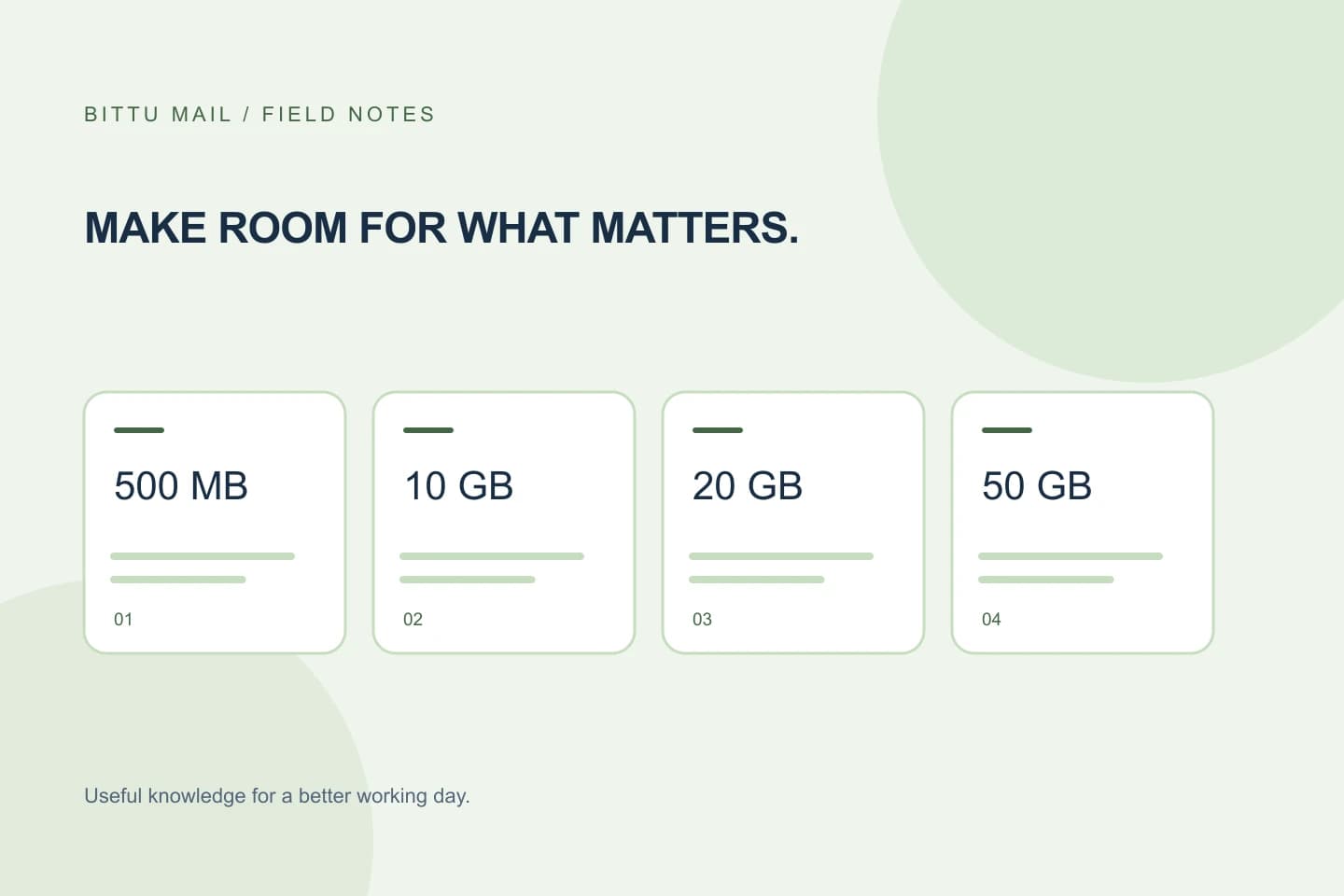
First identify what you need to buy. BITTU Mail’s business plans list 10 GB, 20 GB, or 50 GB of storage per mailbox for Starter, Standard, or Premium, respectively. Free personal @bittumail.tech mailboxes start with 500 MB. These storage details can help you rule out plans that do not fit, but they do not tell you the current price or final amount due.
When comparing business options, keep the number of mailboxes and the selected plan consistent. A per-mailbox storage allowance is not the same thing as a quoted total for an organization. Do not assume that an alias is an independent mailbox or login; check what you are actually purchasing.
Read the live listing, not a remembered price
Open the current /pricing page and note the plan and term displayed. Treat the page as a current reference, not a promise that the same amount will appear later or apply to every account. Prices should not be copied from an old email, screenshot, comparison table, or third-party page and treated as current.
If a plan is not shown as available for your intended use, do not assume it can be purchased simply because an old listing mentioned it. Availability is part of the decision, not a detail to fill in by guesswork.
Separate the displayed price from the term total
A displayed price and an upfront term total answer different questions. The first is the price presented for the selected plan or billing term; the second is the amount shown for the term being purchased. Compare like with like: keep the plan, mailbox quantity, and term aligned before comparing totals.
For an organization considering several mailboxes, use the checkout’s displayed total for the actual selection rather than multiplying a remembered per-mailbox figure. If the amount changes when you select a different term or quantity, record the current selection and its total. Do not infer an unshown discount, partial-term adjustment, or other calculation.
Check taxes and the amount presented at checkout
Taxes can affect what is due. Review the tax amount or treatment shown at authenticated checkout and compare the resulting amount due with the upfront term total. Do not assume that a price displayed before checkout includes every applicable tax, or that the same tax treatment applies to every buyer.
If the checkout display is unclear, pause rather than estimating the missing amount. Confirm that the plan and term selected are the ones you intended, then use the amount and tax information presented there to decide whether to continue. This is a price-comparison step, not a substitute for tax advice.
Treat availability and renewal as separate checks
A plan’s displayed price does not by itself establish that it is available to your account or domain. Check availability at /pricing or authenticated checkout, where current availability and eligibility can be checked. In particular, the 30-day Starter trial is limited to one trial claim per eligible domain, and eligibility is server-checked. Do not count on a trial until the system confirms it.
Read the renewal terms shown for the selection as well as the upfront amount. A one-time checkout does not imply an automatic charge or mandate, and you should not assume a renewal arrangement that is not shown. Keep the renewal information with your comparison so you are not judging plans on today’s amount alone.
Use a small comparison record
A short record makes it easier to compare options without mixing a listing price with a checkout total. Fill it in from the current page and checkout, rather than relying on memory. If you return later, check again because prices, availability, taxes, and terms may have changed.
- Keep the same mailbox quantity and term when comparing plans.
- Leave a field unresolved if checkout does not show the information you need; do not fill it with an estimate.
Plan: Starter
Mailboxes selected: [number]
Term shown: [term]
Current displayed price: [amount shown]
Upfront term total: [amount shown]
Taxes: [amount or treatment shown]
Availability confirmed: [yes/no]
Renewal terms: [terms shown]
Confirm the comparison before deciding
Before you proceed, return to the selected plan and make sure its name, mailbox quantity, and term match your record. Confirm that the upfront total and tax information are visible, that availability is confirmed, and that you have read the renewal terms. If any of these differ from your notes, update the record using the current display rather than trying to reconcile it with an older figure.
You can tell your comparison is complete when each option has the same decision-relevant details recorded and no amount is being inferred. If a key figure or term is not displayed, the final cost is not yet established from the information you have; check the current authenticated checkout before making the choice.
About this guide
Prepared with AI assistance for the BITTU Mail editorial library. Check important details against your original messages and current account settings. Product access depends on your role, plan and provisioning state. Provider interfaces and requirements can change.
View current plans · Security information · Suggest a correction