Choosing a plan is harder when your mailbox count is a moving target. A plan that fits today may not fit after you add staff, create separate addresses for roles, or change how your team handles incoming mail. Start by writing down how many independent mailboxes you need now and how many you may need later. Then compare those counts with the storage available per mailbox. This worksheet helps you organize the comparison; it does not replace checking current availability, checkout totals, taxes, or renewal terms before you decide.
The useful bits
- Count independent mailboxes separately from aliases.
- Compare current and expected counts against storage per mailbox.
- Verify live plan availability and full totals before checkout.
Count mailboxes, not every address
First, define what you are counting. An independent mailbox is an account with its own mailbox and login. An alias is an additional address that may direct mail elsewhere; it is not automatically a separate mailbox or login. Don’t include an alias in your mailbox total unless you have confirmed that you need an independent mailbox for it.
Make two counts: the number needed now, and a reasonable expected number for the period you are planning around. Include people who may join and roles that genuinely need separate access. If the future is uncertain, write down a low and a higher estimate rather than presenting one guess as certain.
Current: 6 independent mailboxes
Expected: 8–10 independent mailboxes
Role addresses that may be aliases: support@example.com, billing@example.com
Build a comparison worksheet
Record the plan name, storage per mailbox, current mailbox count, expected mailbox count, and the resulting storage totals. Keep per-mailbox storage separate from the count: a plan’s storage allocation is stated for each mailbox, not as one shared pool in this comparison.
For a simple estimate, multiply the mailbox count by the storage per mailbox. This gives the combined amount represented by those per-mailbox allocations; it does not mean every mailbox can use another mailbox’s unused allocation. Check the plan details and account controls for the actual limits that apply to your workspace.
Plan | Storage per mailbox | Current count | Current total | Expected count | Expected total
Starter | 10 GB | 6 | 60 GB | 10 | 100 GB
Standard | 20 GB | 6 | 120 GB | 10 | 200 GB
Premium | 50 GB | 6 | 300 GB | 10 | 500 GB
Use the published storage figures as a starting point
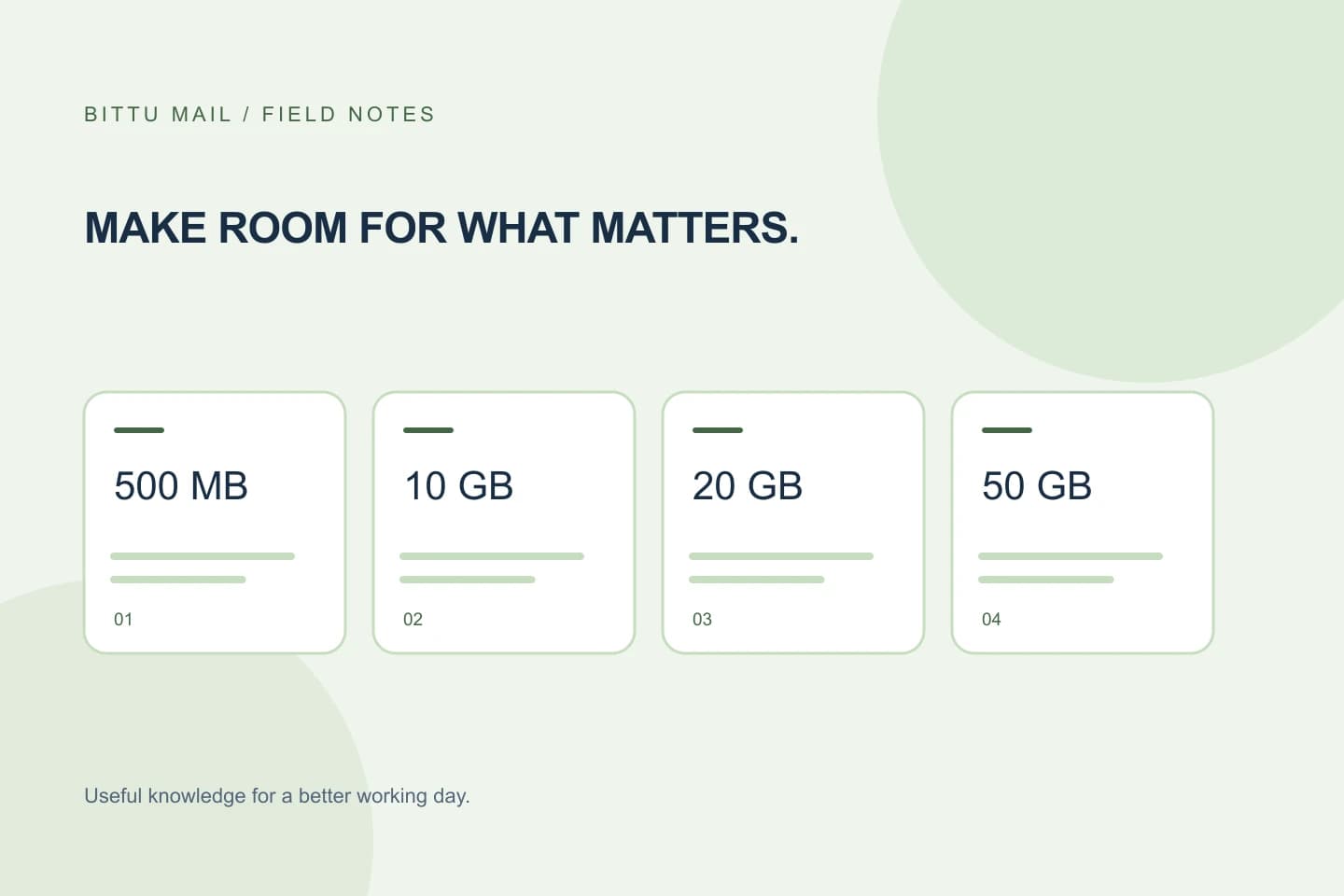
BITTU Mail Business Starter, Standard, and Premium provide 10 GB, 20 GB, and 50 GB per mailbox, respectively. These figures let you compare the storage allocation against your current and expected mailbox counts. Free personal @bittumail.tech mailboxes start with 500 MB; that personal mailbox figure is not one of the business-plan tiers in the worksheet above.
A larger combined total does not by itself show that a plan is the right fit. Consider whether the per-mailbox allocation suits the people or roles using those mailboxes, and whether your expected count reflects separate mailboxes rather than additional addresses. Confirm the plan’s current terms before relying on the figures.
Compare more than one future scenario
A useful comparison has at least a current scenario and a likely future scenario. If hiring or role changes are uncertain, add a higher-count scenario. This makes it easier to see whether a plan fits only the present or also the likely next step, without treating a speculative count as a commitment.
For example, compare six mailboxes today with eight expected, then check whether ten is a plausible upper estimate. Apply each plan’s per-mailbox storage to all three counts. If one option appears sufficient only when you assume no growth, mark that assumption clearly and revisit it before choosing.
- Write the date of your comparison so you know when to refresh live details.
- Mark uncertain mailbox additions as estimates, not confirmed accounts.
- Keep storage per mailbox visible beside each calculated total.
Verify live availability and the complete total
The worksheet is for planning, not a quote. Check current plan availability and terms at BITTU Mail’s pricing page or in authenticated checkout before deciding. Live prices, the upfront term total, taxes, availability, and renewal terms must be confirmed there; they can’t be established from a storage calculation. Do not rely on an older saved comparison for those details.
If you are evaluating the 30-day Starter trial, eligibility and availability are checked by the server, and the trial is limited to one claim per eligible domain. Confirm what is available to your domain rather than assuming that a trial can be claimed. A one-time checkout does not, by itself, imply an automatic charge or mandate.
Confirm the decision against the account
Before completing a purchase or changing a plan, compare the live checkout details with your worksheet: plan, mailbox count, storage per mailbox, term, upfront total, taxes, and renewal terms. If an item differs from your notes or is unclear, pause and verify it in the live flow rather than inferring it from the plan name.
Afterward, an authorised workspace or domain administrator can check the workspace’s own domain and mailbox administration where access is available. Controls depend on role, plan, and provisioning state, and permissions and quotas are enforced server-side. Confirm that the intended mailboxes are provisioned and that the account reflects the selected arrangement. If the count or limits do not match, ask the appropriate administrator to review the account before relying on the comparison.
About this guide
Prepared with AI assistance for the BITTU Mail editorial library. Check important details against your original messages and current account settings. Product access depends on your role, plan and provisioning state. Provider interfaces and requirements can change.
View current plans · Security information · Suggest a correction