A short-term project can create a lasting inbox problem: messages arrive in several places, access is shared informally, or an extra mailbox remains active after the work ends. Before adding one, work out what the workload actually needs and when that need begins and ends. A separate mailbox may make sense when someone needs an independent login or a distinct place to manage mail. If the need is only a different address, an alias may be relevant—but an alias is not automatically a separate mailbox or login. Check the available setup and terms before deciding.
The useful bits
- Set a start date, an expected end date, and a review date; treat the end date as an assumption to verify.
- Choose a separate mailbox only if independent access or a distinct inbox is needed; an alias may not provide either.
- Check live pricing, the full term total, taxes, availability, and renewal terms before committing.
Define what the extra address must do
Start with the task, not the plan. List who needs to read messages, who should send replies, and whether the messages must stay separate from a person’s usual inbox. A project coordinator who needs a distinct login and an inbox managed by a handover team have different requirements from someone who only wants a public-facing address for a short campaign.
If the workload needs its own login and mailbox, ask whether a separate mailbox is required. If it only needs another address that delivers to an existing mailbox, ask whether an alias is available and suitable. Do not assume an alias has its own storage, credentials, or independent access; confirm the setup offered for your account and workspace.
Put the dates on a calendar
Write down when work is expected to start, when new messages should stop arriving, and when you will decide whether to keep the mailbox. Include dependencies that could extend the work, such as a delayed handover or a response period after a campaign closes. An expected end date is a planning estimate, not proof that the mailbox can or should be removed on that day.
Choose a review date before the expected end. At that review, check for active conversations, records that need to be retained, and people who still need access. If timing changes, update the plan and confirm the account’s available terms rather than relying on the original estimate.
Example: A team expects to handle a temporary event inbox from [start date] through [expected close date]. It schedules a review for [review date], checks whether replies are still arriving, and confirms the mailbox’s renewal or end options before the next commitment.
Compare the workload with the available storage
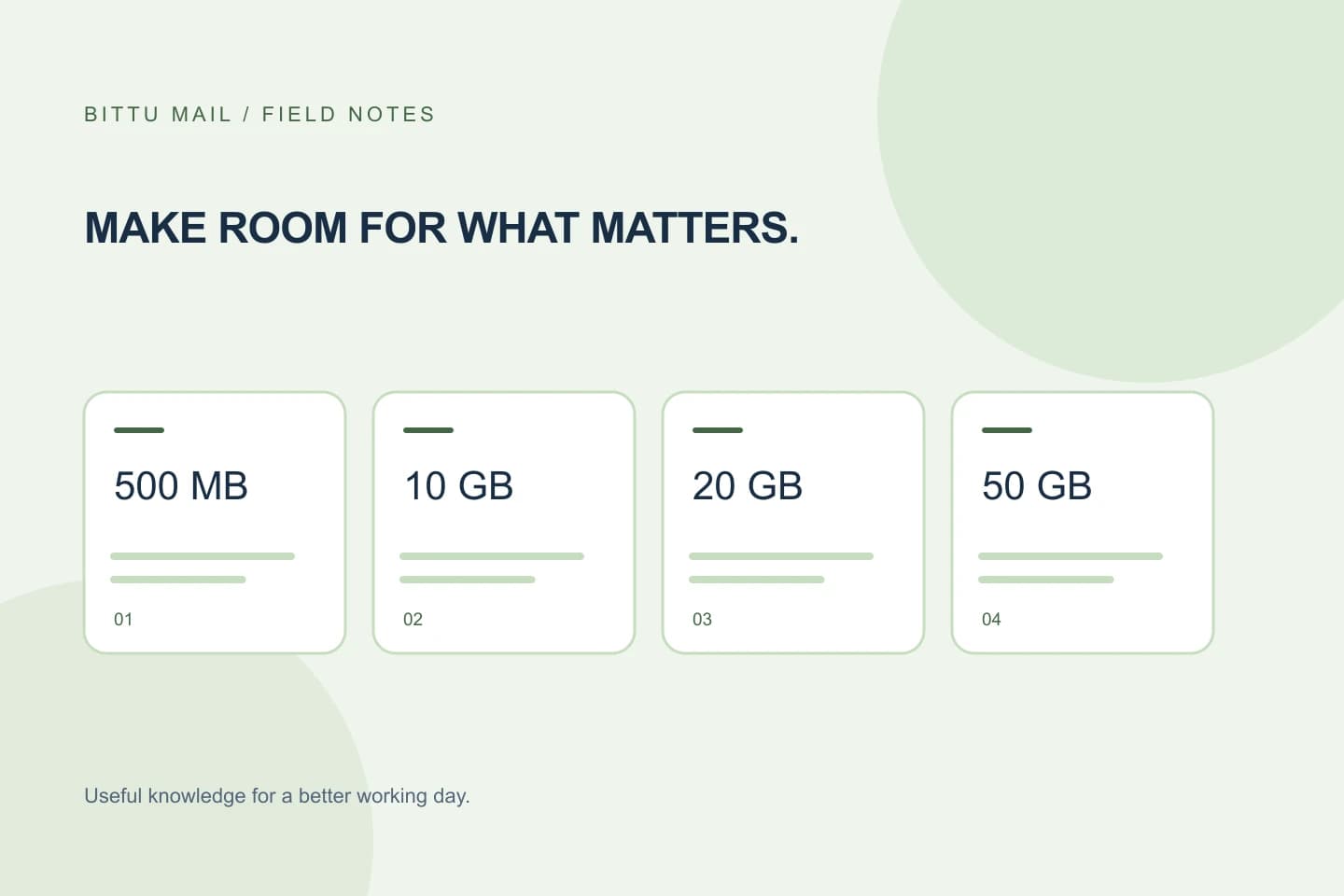
Estimate the kinds of messages the mailbox will receive: ordinary correspondence, large attachments, or frequent file exchanges. BITTU Mail free personal @bittumail.tech mailboxes start with 500 MB. Business Starter, Standard, and Premium provide 10, 20, and 50 GB per mailbox, respectively. Those figures describe storage, not a promise that a particular workload will fit; actual needs depend on messages and attachments.
For a business mailbox, consider whether the planned use fits the available storage and whether the plan includes the capabilities the work requires. Features and controls can depend on role, plan, and provisioning state. If the workload needs workspace administration or a particular collaboration capability, have an authorised admin verify availability rather than assuming it comes with every account.
Check the commitment before you start
Review the live terms at bittumail.tech/pricing or in authenticated checkout. Confirm the current availability, the full upfront total for the selected term, taxes, and renewal terms. Do not compare options using a monthly figure alone if checkout presents a longer upfront commitment. A short project may still need a longer term; decide whether that trade-off is acceptable before creating the mailbox.
A 30-day Starter trial is limited to one trial claim per eligible domain, and eligibility and availability are checked by the server. Do not assume your domain qualifies or that the trial will be available. Also, a one-time checkout does not by itself imply an automatic charge or mandate. Read the actual checkout and renewal terms for the option you choose.
Make access and the closeout part of the plan
Decide who will control the mailbox and how access will be handed over or ended. Use the appropriate account or workspace administration flow for your role; permissions and quotas are enforced server-side, and available controls can vary. Avoid treating a shared password as a substitute for a defined access plan. If the mailbox will handle sensitive correspondence, consider whether optional two-factor authentication is available for the account.
At closeout, check for unresolved conversations, needed records, and any forwarding or access arrangements before changing the account. Confirm the change in the account or workspace interface available to your role. If the intended action is unavailable or the account’s status is unclear, pause and verify through the service rather than assuming the mailbox has been removed or renewed.
A final decision check
Before committing, answer these questions in writing:
Does the workload require a separate inbox and login, or only another address? Who needs access, and for how long? What date will trigger a review if the work overruns? Does the selected plan’s storage and available functionality fit the use? Have you confirmed the live total, taxes, availability, and renewal terms?
After setup, confirm that the intended mailbox or address is available to the right people and that a message can be received and handled as planned. Then record the review date and the person responsible for checking it. That small follow-up step helps prevent a temporary arrangement from becoming an unattended commitment.
- Need: separate mailbox, alias, or neither?
- Timing: start, expected end, and review date recorded?
- Terms: live total, taxes, availability, and renewal checked?
About this guide
Prepared with AI assistance for the BITTU Mail editorial library. Check important details against your original messages and current account settings. Product access depends on your role, plan and provisioning state. Provider interfaces and requirements can change.
View current plans · Security information · Suggest a correction